Banner Creator Essentials: Features You Need for Professional Designs
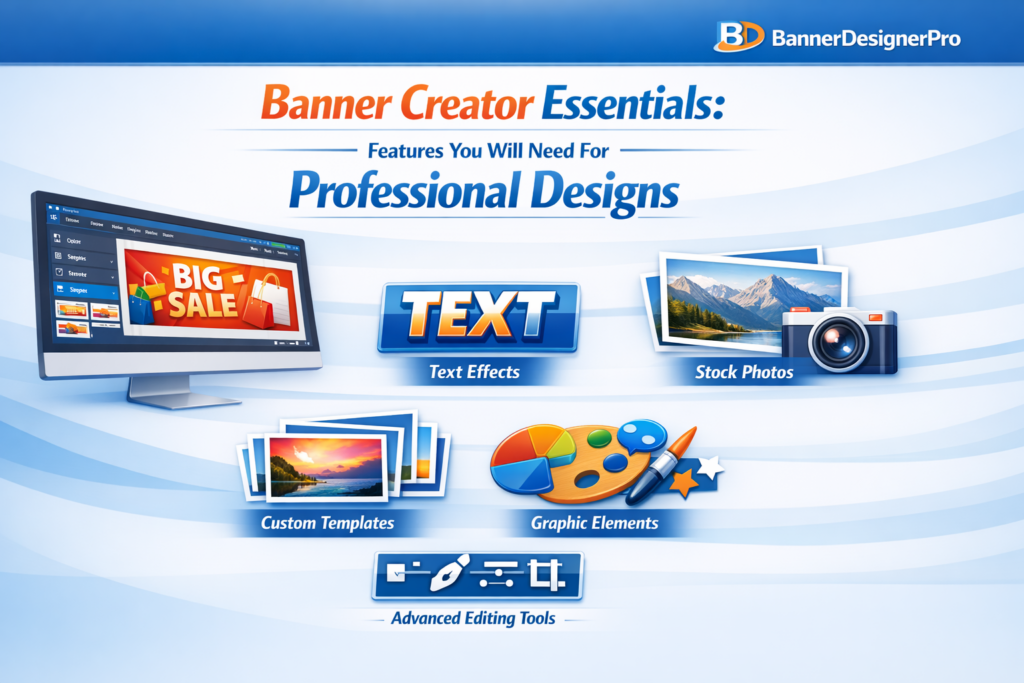
In a digital environment saturated with visuals, banners play a critical role in capturing attention. Whether displayed on websites, social media platforms, or ad campaigns, banners often serve as the first visual interaction between a brand and a potential customer. Their job is simple but demanding: attract attention, communicate value, and encourage action within seconds.
Creating banners that achieve this consistently is not about luck or artistic talent alone. It depends heavily on the tools used to design them. A banner creator is more than just software. It is the foundation of your visual workflow and a key factor in the quality of your final designs.
This guide explores the essential features every professional banner creator should offer and explains why each one matters. Whether you are a marketer, business owner, or designer, these capabilities will help you create banners that look polished, intentional, and effective.
Why Choosing the Right Banner Creator Matters
Even the strongest visual concept can fail if the tool behind it limits precision or efficiency. A well-designed banner creator supports creativity while removing friction from the design process. It allows ideas to move quickly from concept to execution without technical obstacles.
The right tool helps you:
-
Design faster without sacrificing quality
-
Maintain visual consistency across campaigns
-
Adapt banners for multiple platforms easily
-
Produce professional results without complex workflows
Understanding which features are essential helps you avoid tools that look appealing but fall short in real-world use.
Intuitive and User-Friendly Interface
An intuitive interface is the foundation of any effective design tool. If a banner creator is difficult to navigate, it slows creativity and increases frustration.
A strong interface should include:
-
A clean and organized layout
-
Drag-and-drop functionality
-
Logical grouping of tools
-
Smooth performance without lag
An easy-to-use interface reduces the learning curve and allows designers to focus on creativity instead of technical navigation.
High-Quality Pre-Designed Templates
Templates are not shortcuts. They are professional starting points that speed up the design process and ensure consistent results.
High-quality templates:
-
Save time on layout creation
-
Help non-designers produce professional designs
-
Ensure correct sizing for specific platforms
-
Maintain visual balance and hierarchy
Professional templates should feature clean typography, balanced composition, modern styles, and high-resolution assets.
Advanced Typography Tools
Typography is essential to how banners communicate messages. A banner creator should offer more than basic font selection.
Essential typography features include:
-
A wide font library
-
Custom font uploads
-
Letter spacing and line height controls
-
Text effects such as shadows or outlines
-
Support for curved or path-based text
Good typography improves readability and reinforces brand tone without overwhelming the design.
Robust Image Editing Capabilities
Professional banners require more than basic image placement. Integrated editing tools eliminate the need for external software.
Key image editing features:
-
Brightness, contrast, and saturation adjustments
-
Cropping and resizing tools
-
Background removal
-
Filters and presets
-
Transparency and masking options
These tools help ensure visuals look polished and cohesive within the banner.
Layer Management for Design Precision
Layer control is essential for complex banner designs. Without proper layer management, adjusting elements becomes inefficient.
A professional banner creator should support:
-
Layer reordering
-
Grouping and locking layers
-
Opacity controls
-
Visibility toggles
-
Blend modes
Layer-based design enables flexibility and precision at every stage of the creative process.
High-Resolution Export Options
Export quality determines whether a banner looks professional or amateur. Blurry or compressed visuals undermine credibility.
A strong banner creator should offer:
-
High-resolution exports
-
Transparent background support
-
Multiple file formats (PNG, JPG, PDF, SVG)
-
Print-quality export options
Clear exports ensure banners look sharp across all platforms and devices.
Custom Size Creation
Professional design work rarely fits standard dimensions. A banner creator must allow full control over canvas size.
Important sizing features:
-
Manual width and height input
-
Preset sizes for major platforms
-
Automatic resizing options
Flexible sizing ensures banners adapt to any use case without distortion.
Color Tools for Brand Consistency
Consistent color usage is essential for brand recognition.
Effective color tools include:
-
Hex and RGB input
-
Saved color palettes
-
Gradient builders
-
Eyedropper tools
-
Brand kits for teams
These features ensure consistent branding across all designs.
Graphic Elements and Icon Libraries
Design elements add depth and visual interest to banners. Built-in asset libraries reduce reliance on external resources.
Useful elements include:
-
Shapes and frames
-
Icons and illustrations
-
Decorative graphics
-
Badges and callouts
Support for custom asset uploads adds flexibility for advanced users.
AI-Powered Features for Faster Workflows
AI tools enhance productivity by automating repetitive tasks.
Helpful AI features include:
-
Background removal
-
Image enhancement
-
Layout suggestions
-
Automatic resizing
-
Text-to-image generation
AI does not replace creativity. It removes technical friction so designers can focus on messaging and structure.
Collaboration and Cloud Access
Modern design workflows often involve teams. Collaboration tools streamline communication and version control.
Key collaboration features:
-
Real-time editing
-
Commenting tools
-
Shared asset libraries
-
Version history
-
Cloud storage with cross-device access
Cloud-based tools ensure flexibility and continuity across devices.
Integration with Marketing Platforms
A banner creator should fit seamlessly into your existing workflow.
Valuable integrations include:
-
Content management systems
-
Social media platforms
-
Cloud storage services
-
Email marketing tools
Integrations reduce manual steps and speed up deployment.
Flexible Pricing and Licensing
A professional banner creator should offer pricing that matches your needs.
Consider:
-
Free plan availability
-
Monthly and annual options
-
Team pricing
-
Commercial usage rights
The best tool is not always the most expensive, but the most efficient for your workflow.
Conclusion
In a visual-first digital world, banners play a decisive role in brand perception and conversion. Choosing the right banner creator is not a cosmetic decision. It directly impacts efficiency, consistency, and quality.
A professional banner creator should combine ease of use, strong design tools, AI-powered efficiency, flexible exports, and collaboration features. When your tool supports creativity instead of limiting it, banners become more than visuals. They become strategic assets.
With the right features in place, your designs move beyond decoration and into effective visual communication.
Leave a Reply